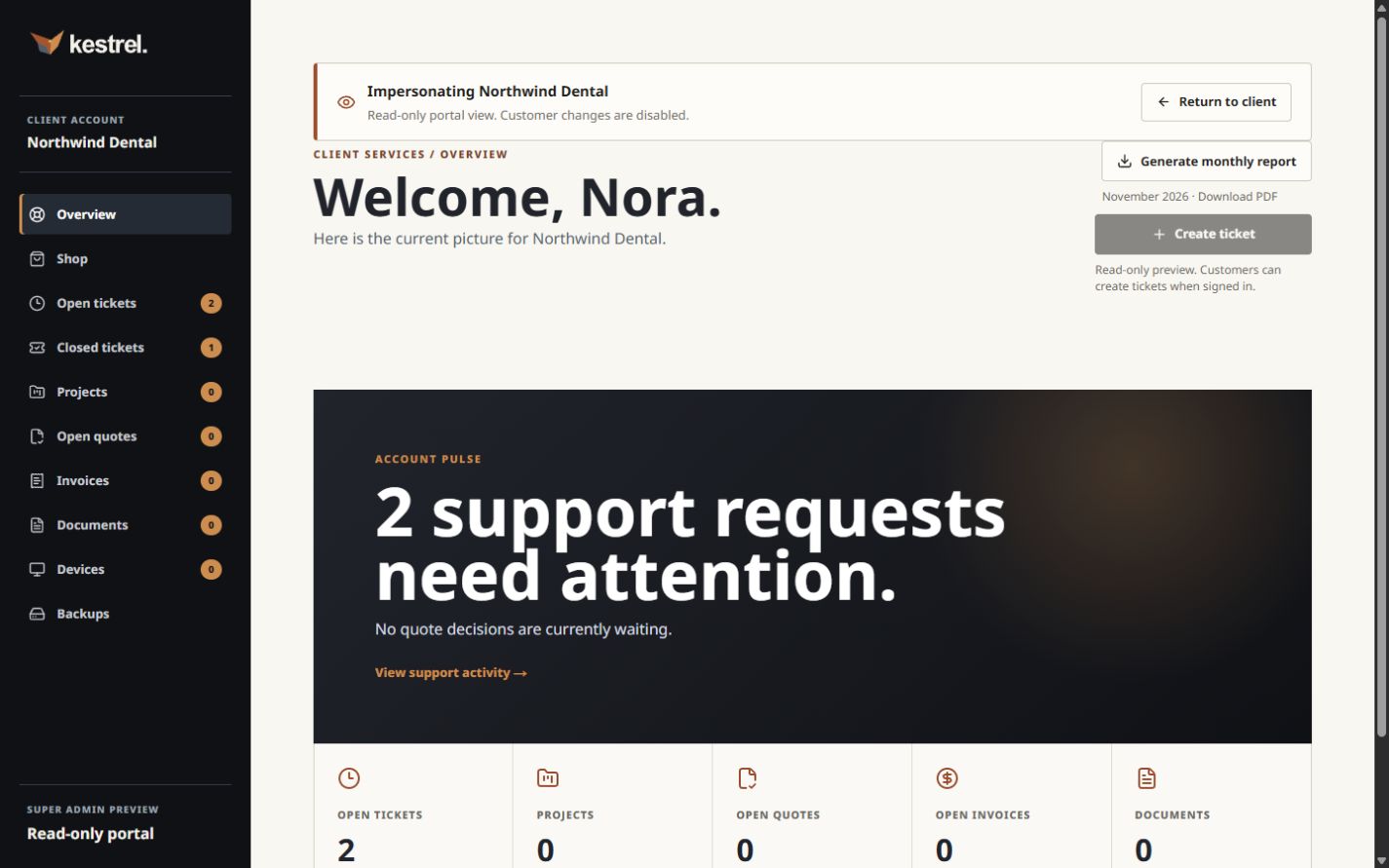
Find projects, documents, devices, quotes, and invoices
Review the information your MSP shares with your organization.
Where to start Client Portal → Overview
What to do
- Open Projects to check project names, status, and expected starts. Open Documents for files and service reports your MSP has shared.
- Open Open quotes to review an estimate and approve or decline if it’s still open. Open Invoices to find synchronized invoices and view available billing details.
- Choose Devices or Backups if available to check your organization’s connected inventory or backup information.