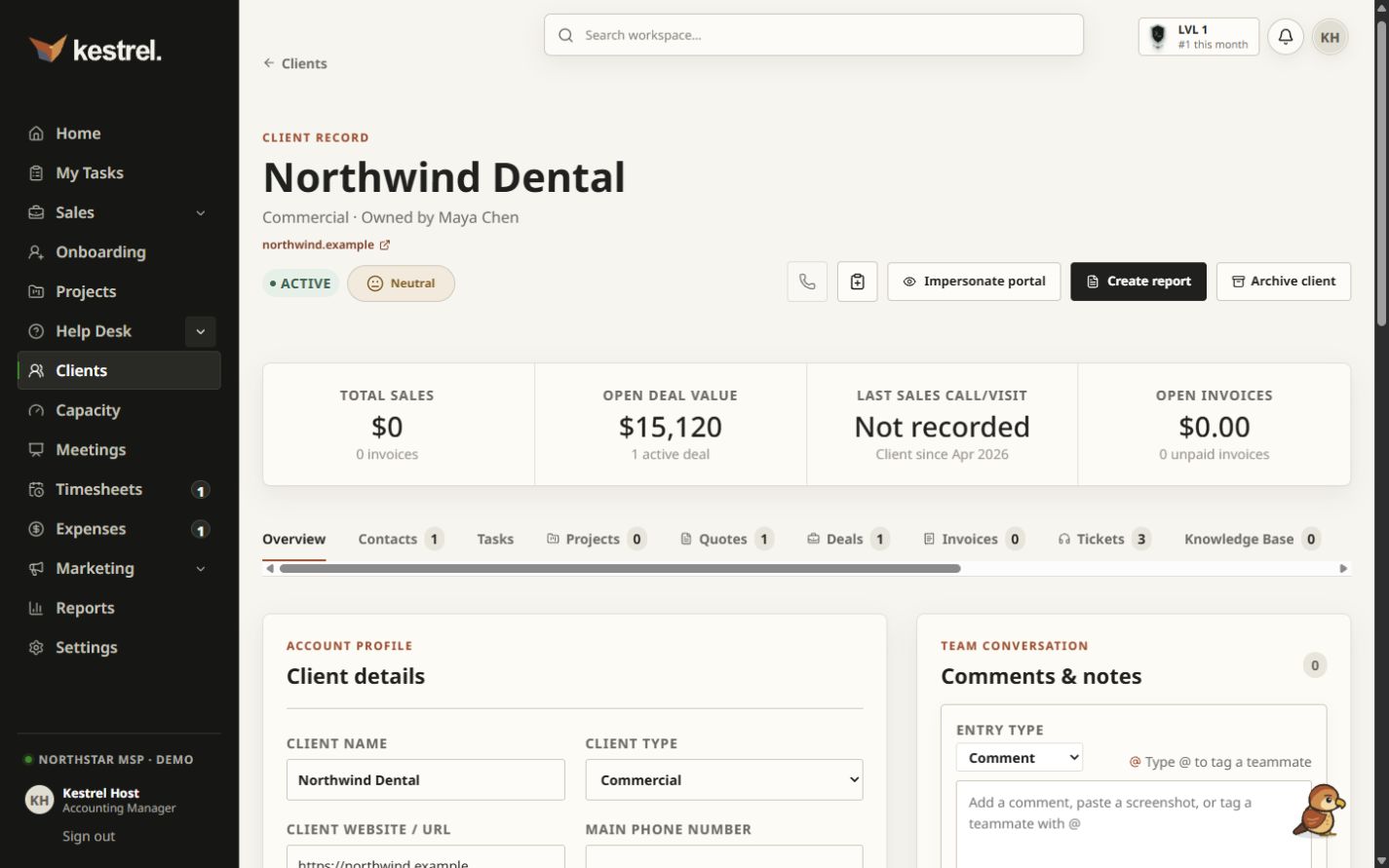
Add a client and their first contact
Create the account that ties together service work and relationships.
Where to start Clients → New client
What to do
- Search Clients first to check whether the account already exists. Use the existing record when it’s the same organization.
- Enter the client’s business details, ownership, help desk routing, and service agreement details where available.
- Add the first contact with their work email. Review the Primary or Secondary designation before inviting them to the portal.