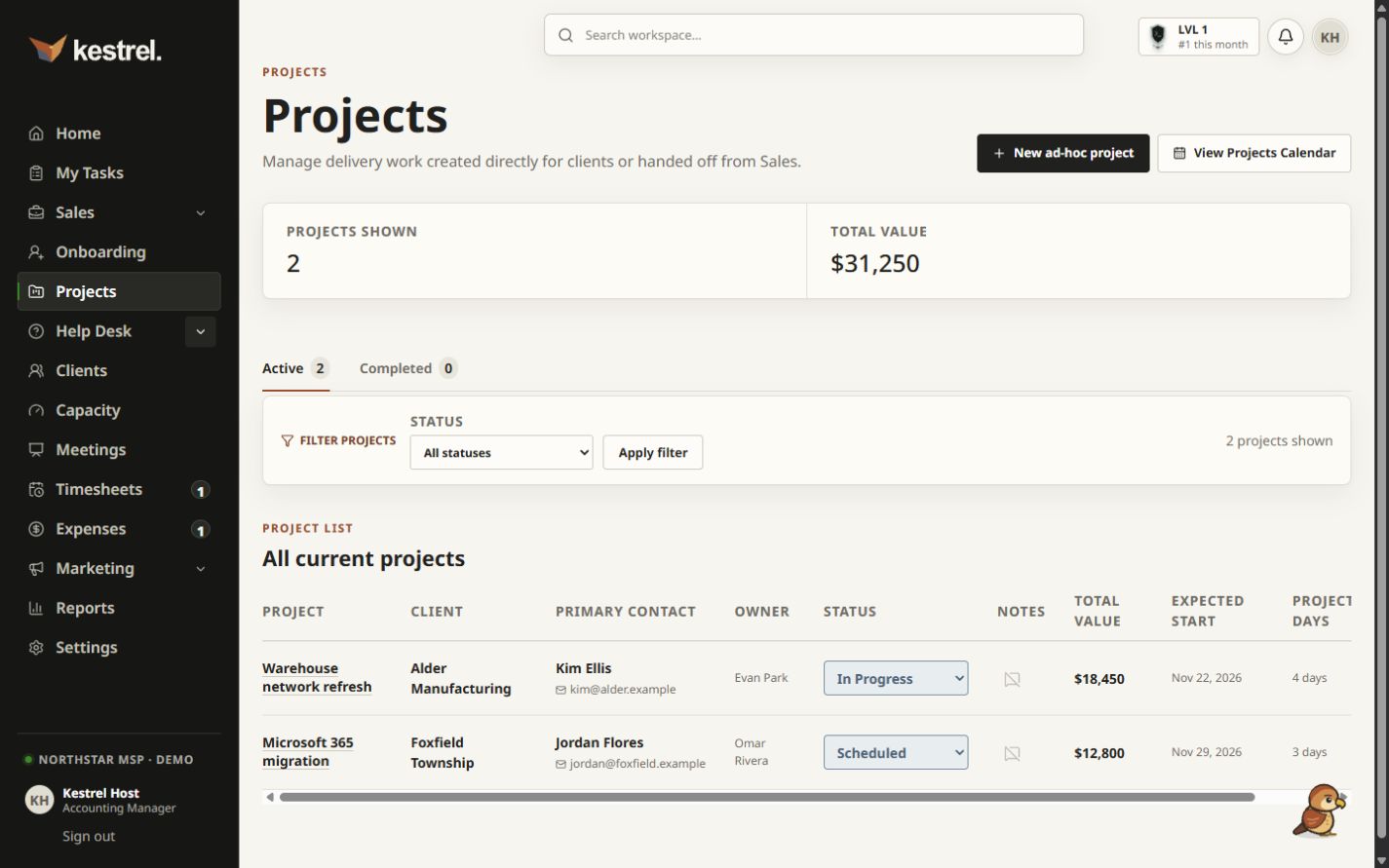
Plan and deliver a project
Schedule work, keep documents together, and confirm what’s ready to close.
Where to start Projects → Project record
What to do
- Open the project or create one for the correct client. Review its scope, project type, owner, and expected start and completion.
- Use the delivery and project type checklists to track tasks. Add schedule changes in the record and confirm calendar invitations if delivery is configured.
- Add time, photos, or documents where needed. Generate a Scope of Work if you need a client-facing document and review it before sharing.
- Close the project after verifying work and final documentation. Review any configured completion message or feedback request.