Work your first ticket
Create a support request and record the work from the first reply through resolution.
Where to start Help Desk
What to do
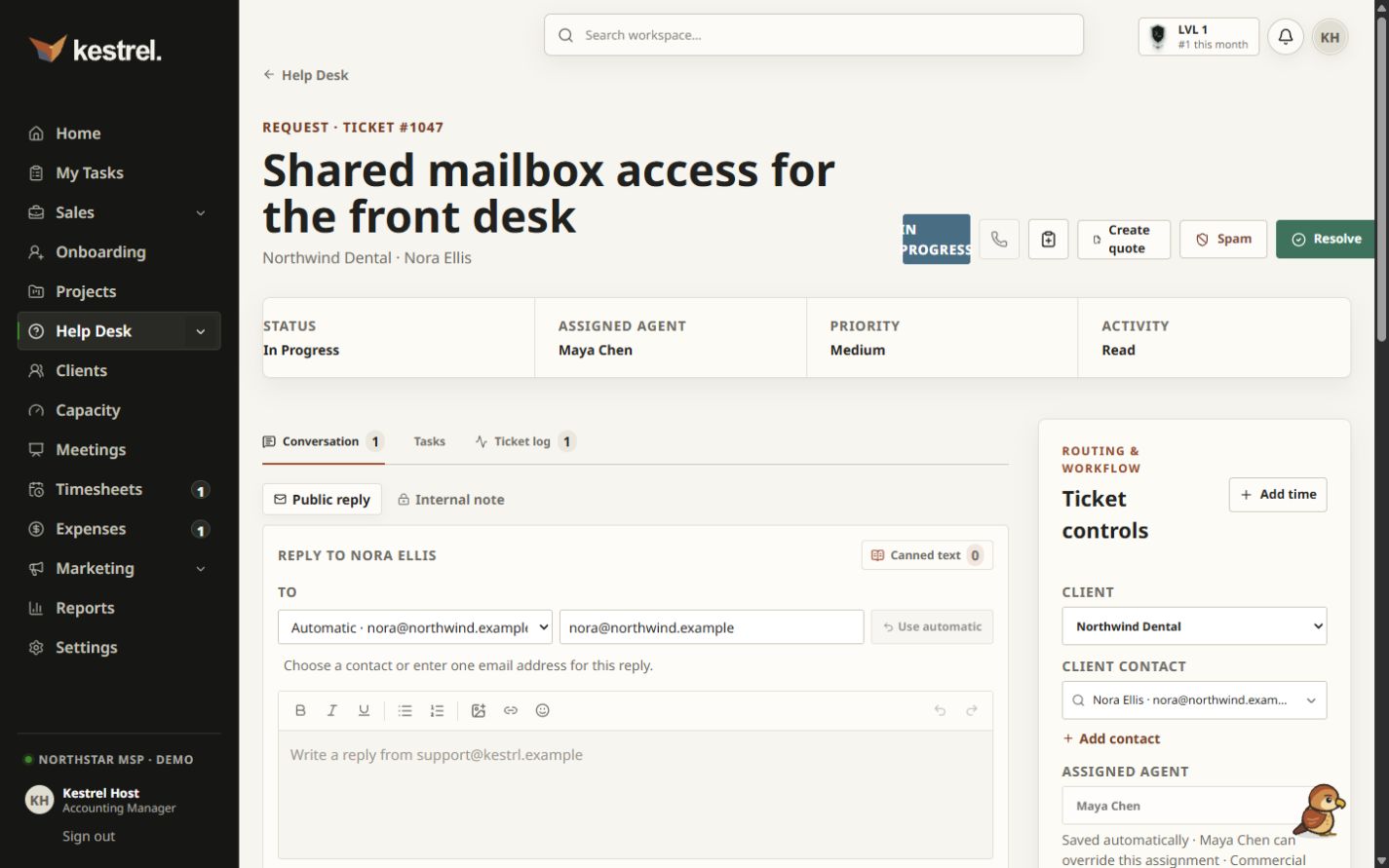
- Choose New ticket and enter the client, requester, subject, and a description of the issue. You can also open a ticket received from your connected support mailbox or client portal.
- Confirm the client and queue. Assign a technician if the ticket is still unassigned and check its priority and first-response deadline.
- Open the conversation and send the client an update. Keep internal troubleshooting details in a note.
- When the work is complete, record an actionable resolution and the time spent, then use the resolution controls to close the ticket.