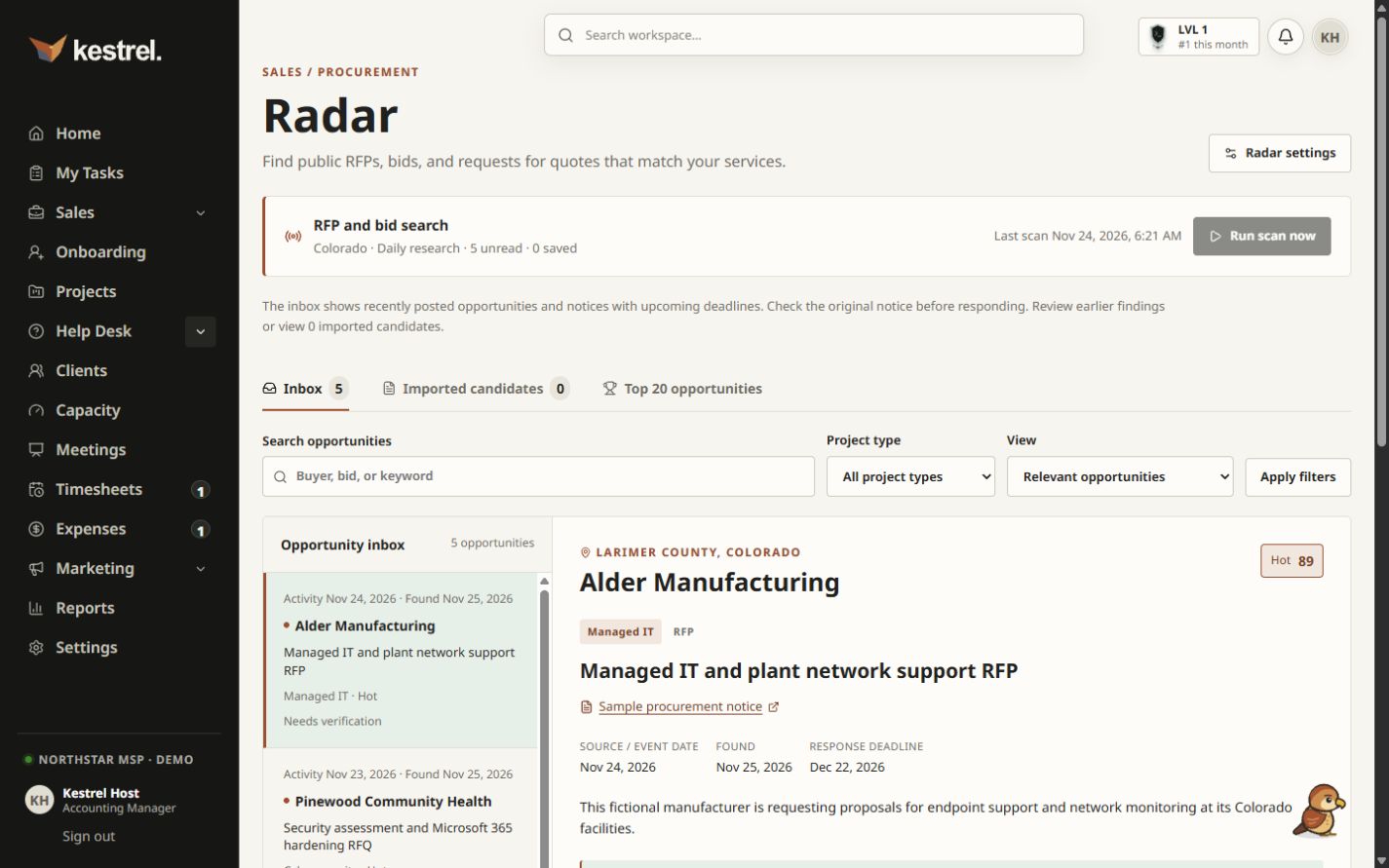
Qualify a Radar result before outreach
Review the original bid and decide whether it belongs in your pipeline.
Where to start Sales → Radar
What to do
- Search or filter your inbox and open a result. Check the buyer, project scope, location, and response deadline.
- Open the source link to verify how the buyer is procuring the work and whether it’s still open.
- Save a promising result, dismiss one outside your scope, or use the pursuit action when you’re ready to track it in sales.