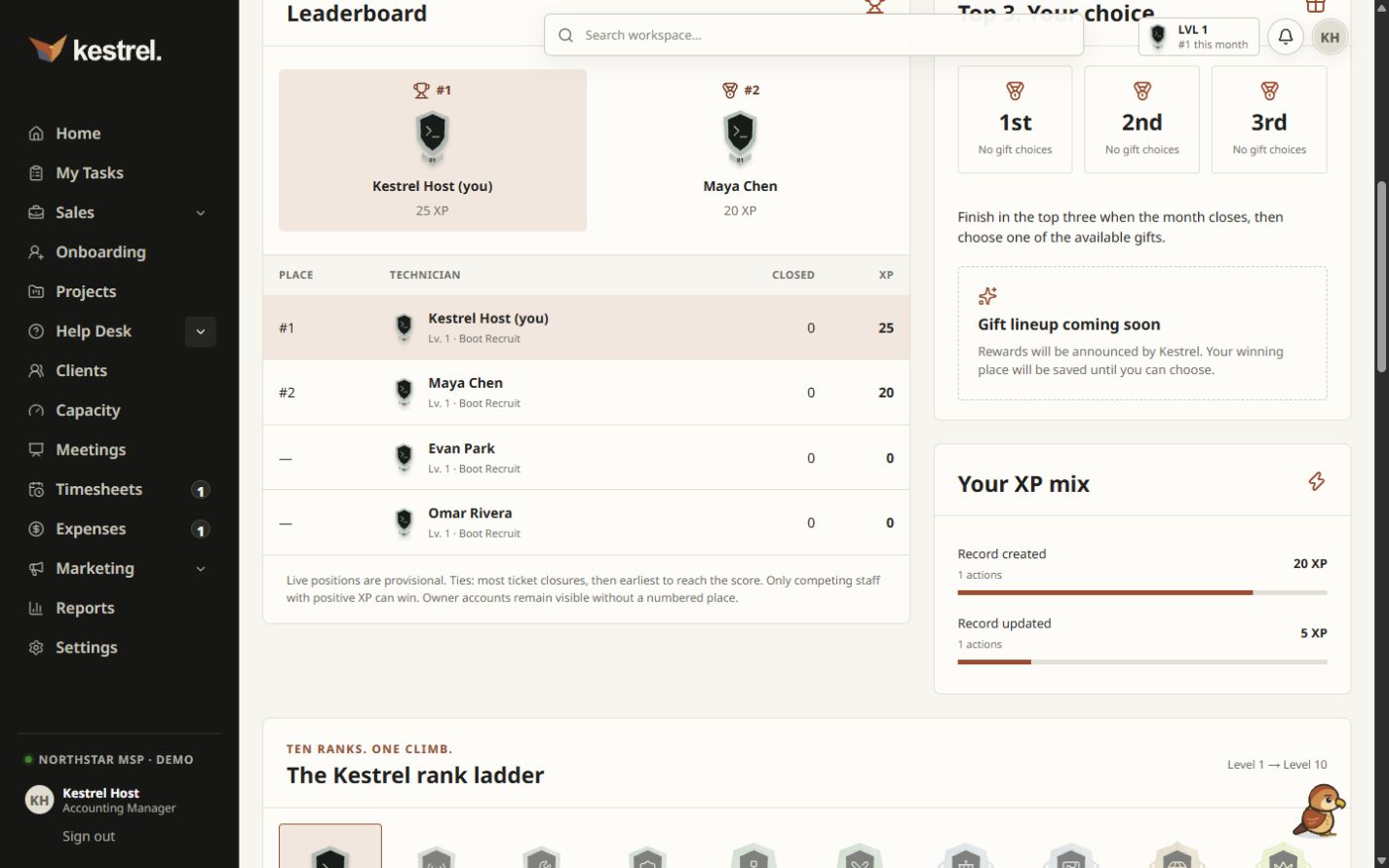
Understand your XP and leaderboard position
See what contributes to your points and where you stand this month.
Where to start Top bar → Kestrel XP
What to do
- Open your XP profile from the level indicator. Review your level and recent points.
- Open the leaderboard and select the board or period you want to view. Check the work or participation rules for that board.
- Review available reward or recognition options and contact the workspace admin if your participation looks incorrect.