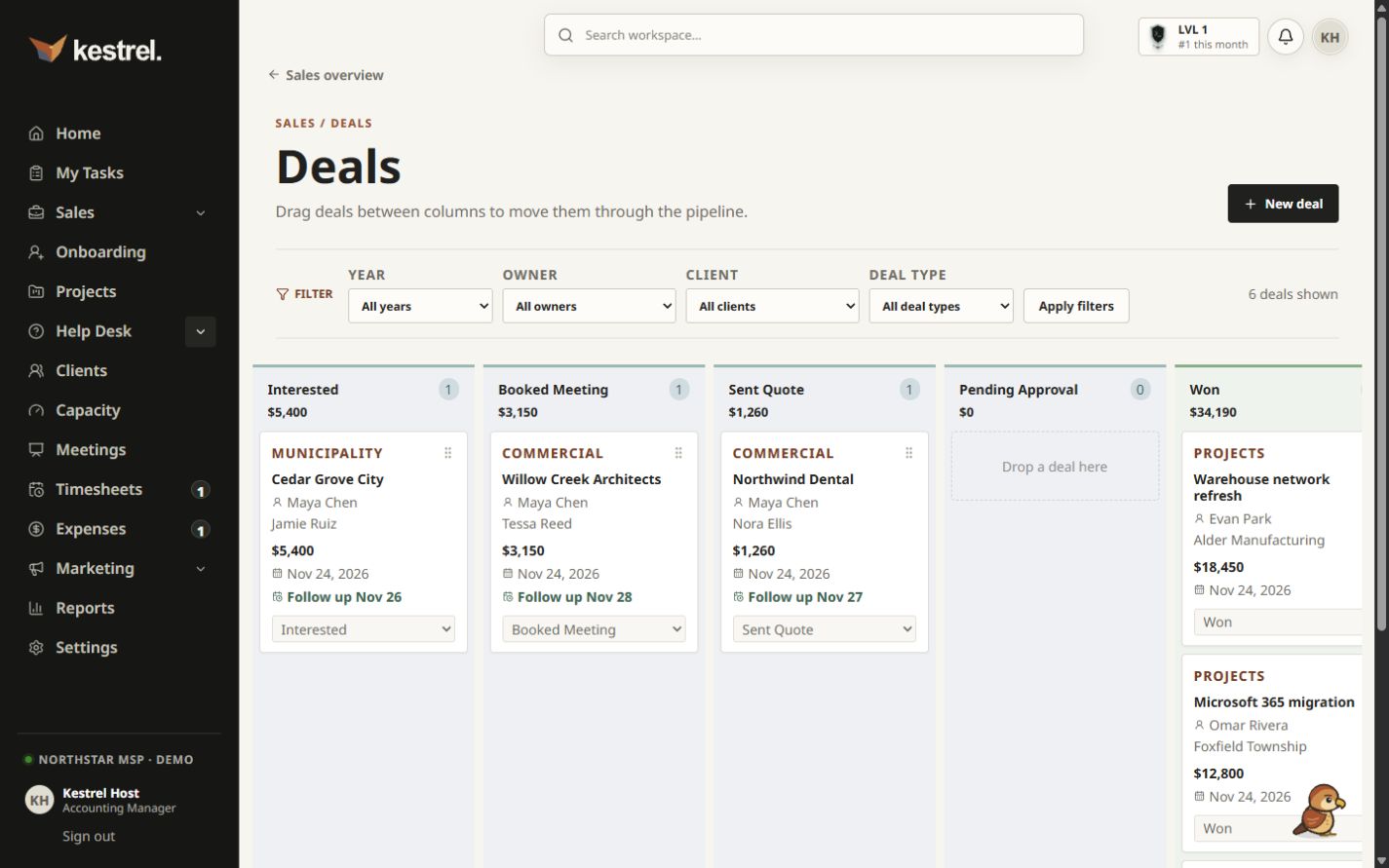
Create and manage deals on the board
Use the Kanban pipeline to keep track of your sales work.
Where to start Sales → Deals
What to do
- Open the Deals board and review the stage columns. Filter to the owner or type you’re working on.
- Choose New deal and select the account, deal type, and current stage. Add an owner, close expectations, and next actions.
- Open the deal or move its card to update the stage when the opportunity moves forward.