Create and share a proposal from a deal
Send a client a managed IT proposal with clear options and terms.
Where to start Sales → Deals → Deal → Create proposal
What to do
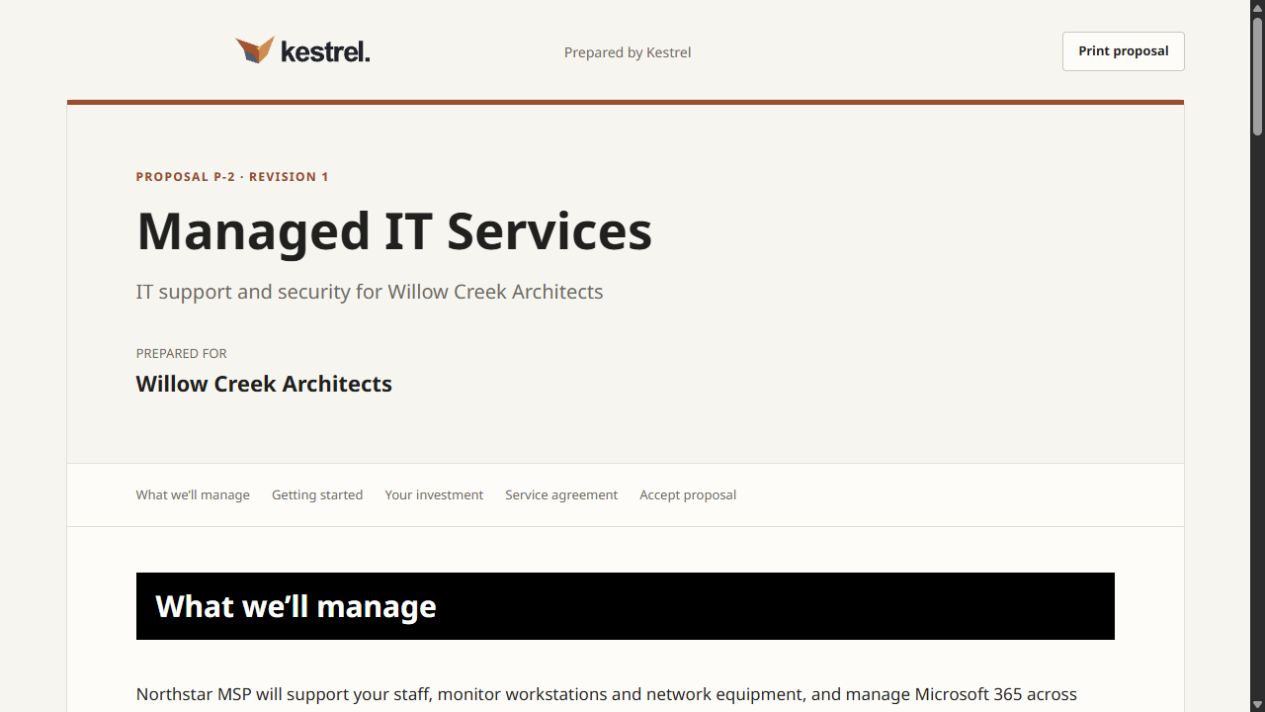
- Open the deal and create a proposal using a template that fits the service. Check the recipient, service scope, pricing, and agreement.
- Review optional services and any selectable service alternatives. Preview the proposal as your client will see it.
- Save the draft, then publish to create the client review link. Share that link with the intended contact.
- Ask the client to review the terms, select options, and sign. Open the accepted proposal to find the signed revision and receipt.