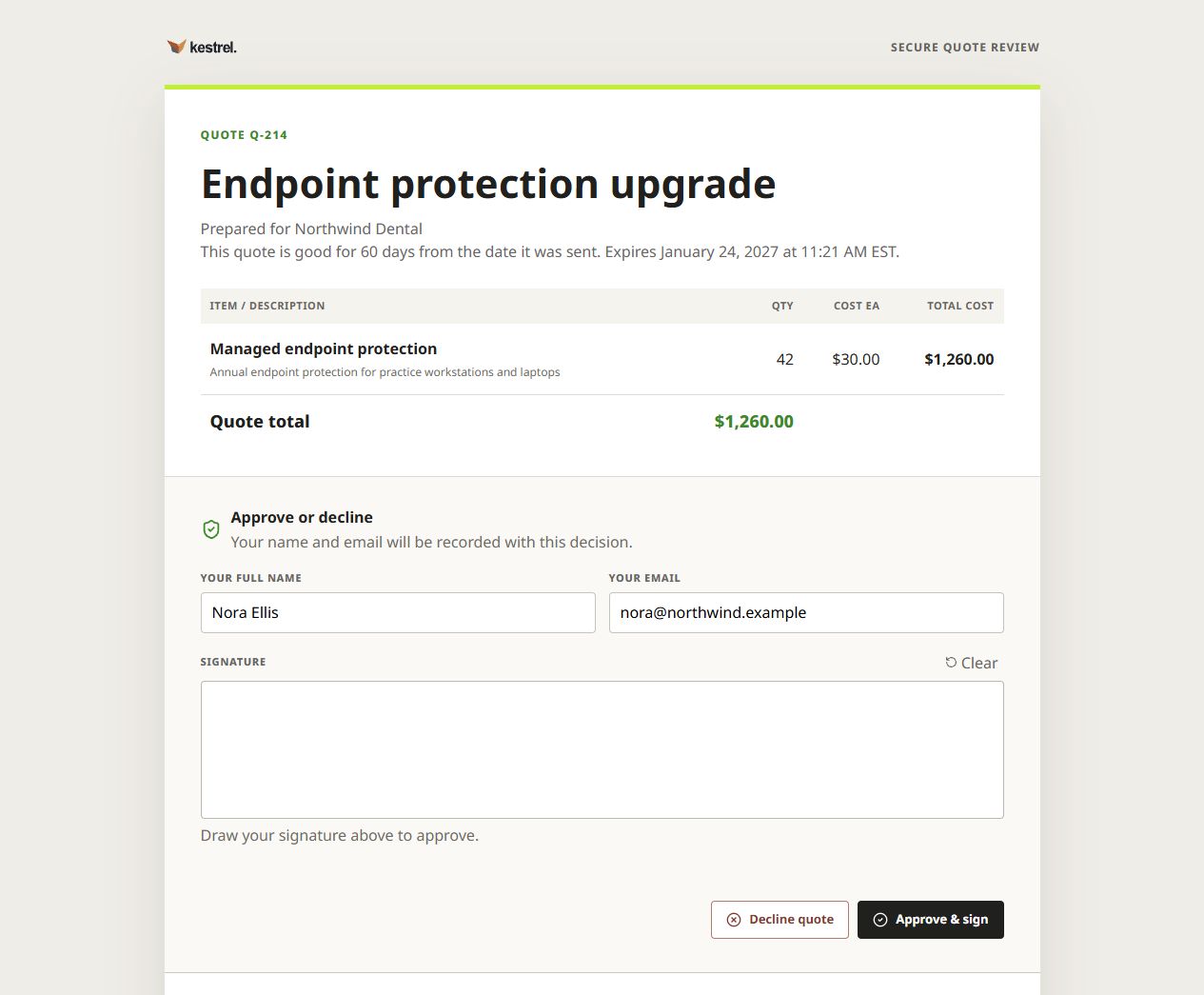
Send a quote for internal and client approval
Keep the quote price, client decision, and sign-off together.
Where to start Sales → Quotes → Create quote
What to do
- Choose the client and any related deal or ticket. Add catalog or one-time line items, verify quantities, and save.
- Submit the quote for internal approval. A designated approver reviews it and releases the customer review link.
- The client opens the link, checks the itemized quote, and can approve with a signature or decline. Check Sales → Quotes for their decision.